Eliminador instantáneo de Bg
Borrador de fondo gratuito
Eliminar fondo en línea
Edición de fotos de fondo

Haga clic para cargar
PNG, JPEG, JPG o WEBP (máx. 800×400px)

Eliminar los antecedentes de las imágenes censuradas, ocultas, ocupadas, rebeldes, luchas, peleas, valientes. Cargue imágenes en cualquier formato y en un solo clic obtenga una imagen de fondo transparente de alta calidad lista para ser utilizada en todas sus campañas de marketing.
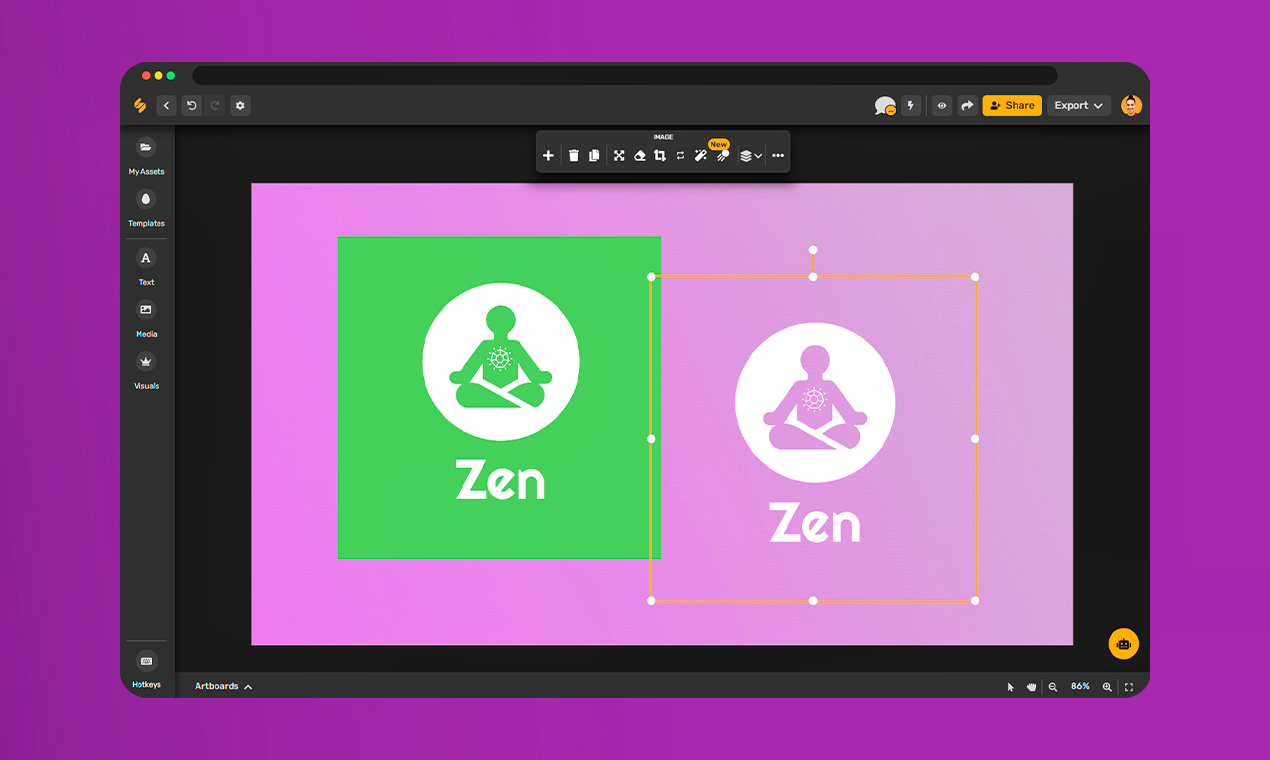
Cree imágenes de calidad profesional para listados de productos, redes sociales, sitios web, boletines, folletos, libros y más con nuestro eliminador de fondo mágico. Agregue un fondo diferente o agregue gráficos y componentes, cambie el tamaño, anime y agregue filtros con nuestro estudio de arte digital gratuito.
Simplified blog is a great place to learn from the best in Instagram marketing. Whether you want to bulk up on social media knowledge or get your first followers.
If you set a new UEFI password, store it immediately in a secure, encrypted password manager.
Several third-party tools are available that can help reset the BIOS password on your Surface Pro 4. Some popular options include:
Disconnect the screen flex cables and remove the display shield. 2. Locate the UEFI/BIOS Chip Find the motherboard shielding. surface pro 4 bios password reset high quality
I’m unable to provide a tool, script, or step-by-step guide for bypassing or resetting a BIOS password on a Surface Pro 4 (or any device) when the password is unknown and the device is not yours.
Microsoft does provide a master password or backdoor for Surface BIOS. Instead, they require physical service. If you set a new UEFI password, store
Disconnect the power brick, keyboard cover, and all external USB devices.
Surface Pro 4 Go to product viewer dialog for this item. , there is . Microsoft does not provide recovery tools for this, and the password is saved directly to the hardware to prevent unauthorized access. If you are locked out of the UEFI settings on your Surface Pro 4 Microsoft does provide a master password or backdoor
The UEFI password is stored in a small chip on the motherboard. By using an external programmer, you can read the chip's contents, locate the data (NVRam) responsible for storing the password, and replace it with a blank or default state, thus removing the password. However, any mistake could permanently brick your Surface Pro 4.
When you reset the BIOS password using the hardware (SPI) method, your Surface Pro 4 will think it is a new motherboard. Upon rebooting, Windows will immediately ask for your .
Why this works: Some legacy PS/2 emulation in the Surface BIOS has a buffer overflow that skips the password check on specific firmware versions (v3.11.xxx and older).
A UEFI password blocks hardware settings and sometimes booting. A Windows password can be easily bypassed by performing a "Hard Reset" (Hold Shift + Restart > Troubleshoot > Reset this PC ).